


NADRA Launches Modernised Online Fee Payment System for Identity Documents
 Web Desk
|
9 months ago
Web Desk
|
9 months ago
Karachi: The National Database and Registration Authority (NADRA) has introduced a revamped online fee payment system, enabling Pakistani citizens at home and abroad to conveniently pay for their identity documents using multiple digital platforms.
The new system supports payments for Smart National Identity Cards (SNIC), Child Registration Certificates (CRC), and Family Registration Certificates (FRC) through NADRA’s official Pak ID mobile application. The process is now faster, more secure, and more user-friendly.
With the inclusion of digital wallets like Easypaisa, JazzCash, and e-Sahulat, applicants can pay their document fees without visiting physical offices. NADRA has ensured that all payments are encrypted and secure, making the process safe and efficient.
How to Pay via Different Platforms
1. Debit/Credit Card (Pak ID App):
- Log in to the Pak ID mobile app.
- Click “Inbox” to view your application and tracking ID.
- Click “Pay Now,” fill in your card details, and verify with the bank’s code.
- Upon successful transaction, a confirmation message appears.
2. Easypaisa App:
- Open the Easypaisa app and select “NADRA Fee.”
- Enter your tracking ID and details.
- Click “Pay in Full” to complete the transaction.
3. JazzCash App:
- Choose “Govt Payments” in the JazzCash app.
- Select NADRA and provide your tracking ID and details.
- Confirm the transaction using your MPIN.
4. e-Sahulat:
- Visit any nearby e-Sahulat franchise.
- Provide the tracking ID to the agent and pay the fee in cash.







37 minutes ago
2 hours ago
3 hours ago
8 hours ago
9 hours ago
9 hours ago
- Iran has formally protested to the United Nations following allegations that the United States seized Iranian-linked vessels in international waters.…
- US President Donald Trump has claimed that King Charles III agrees with the position that Iran should not possess nuclear…
- A recent statement by Sir Christian Turner, the United Kingdom’s ambassador to the United States, has sparked debate over the…
- The United States has imposed sanctions on 35 Iranian entities and individuals, increasing pressure on Iran’s financial network. Officials said…

 Federal health authorities have ordered strict nationwide enforcement of a ban on conventional disposable syringes and initiated a policy review…
 Pakistan’s second national anti-polio campaign of 2026 is continuing across the country, with efforts now in its sixth day as…
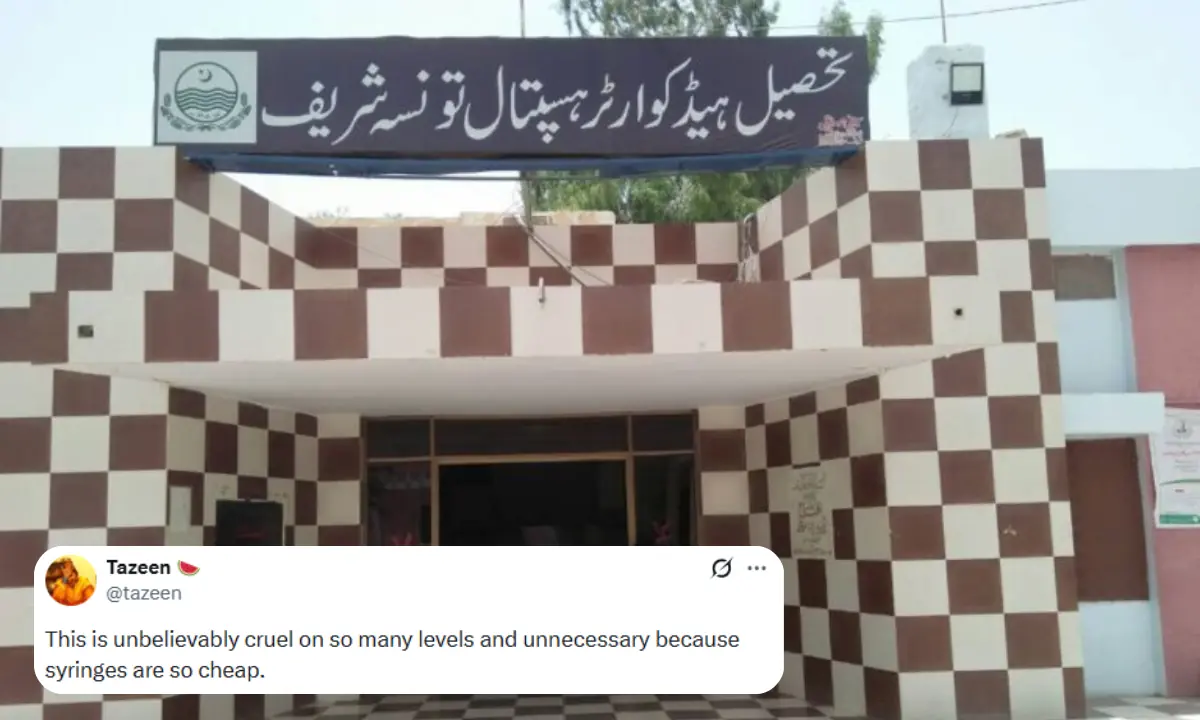
 A shocking report by BBC has triggered nationwide outrage in Pakistan after alleging severe medical malpractice at a Tehsil Headquarter…
 Pakistan’s second National Anti-Polio Campaign of 2026 is continuing across the country with full momentum, as health workers aim to…




- A charge sheet has been filed in the prohibited funding…37 minutes ago
- The Sindh High Court has sought a clear timeline for…2 hours ago
- The federal cabinet has approved a vaccine production policy to…3 hours ago
- Iran has formally protested to the United Nations following allegations…8 hours ago